This article contains affiliate links. We may earn a commission from qualifying purchases.
Some content on this site is AI-assisted and reviewed by our editorial team.
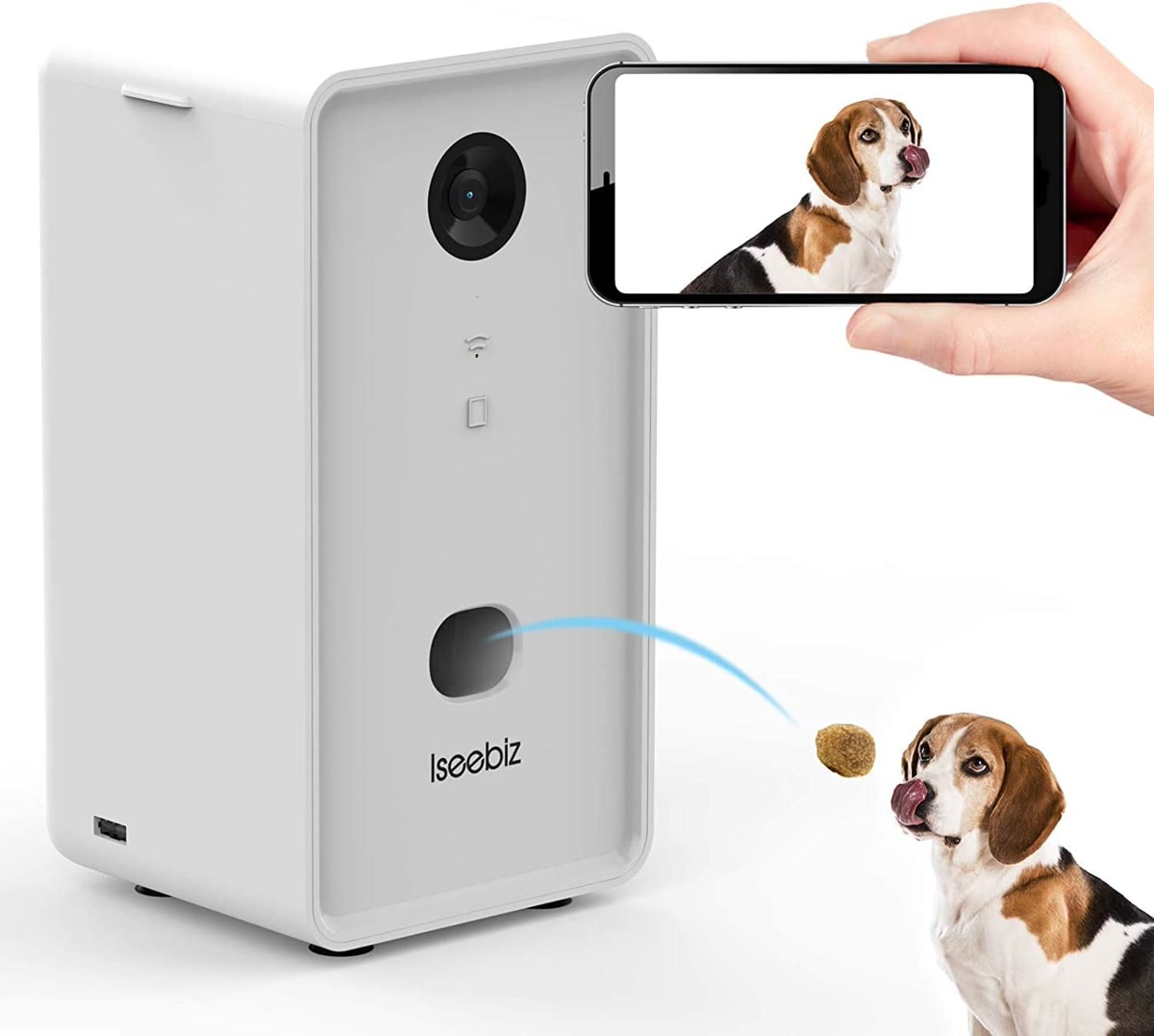
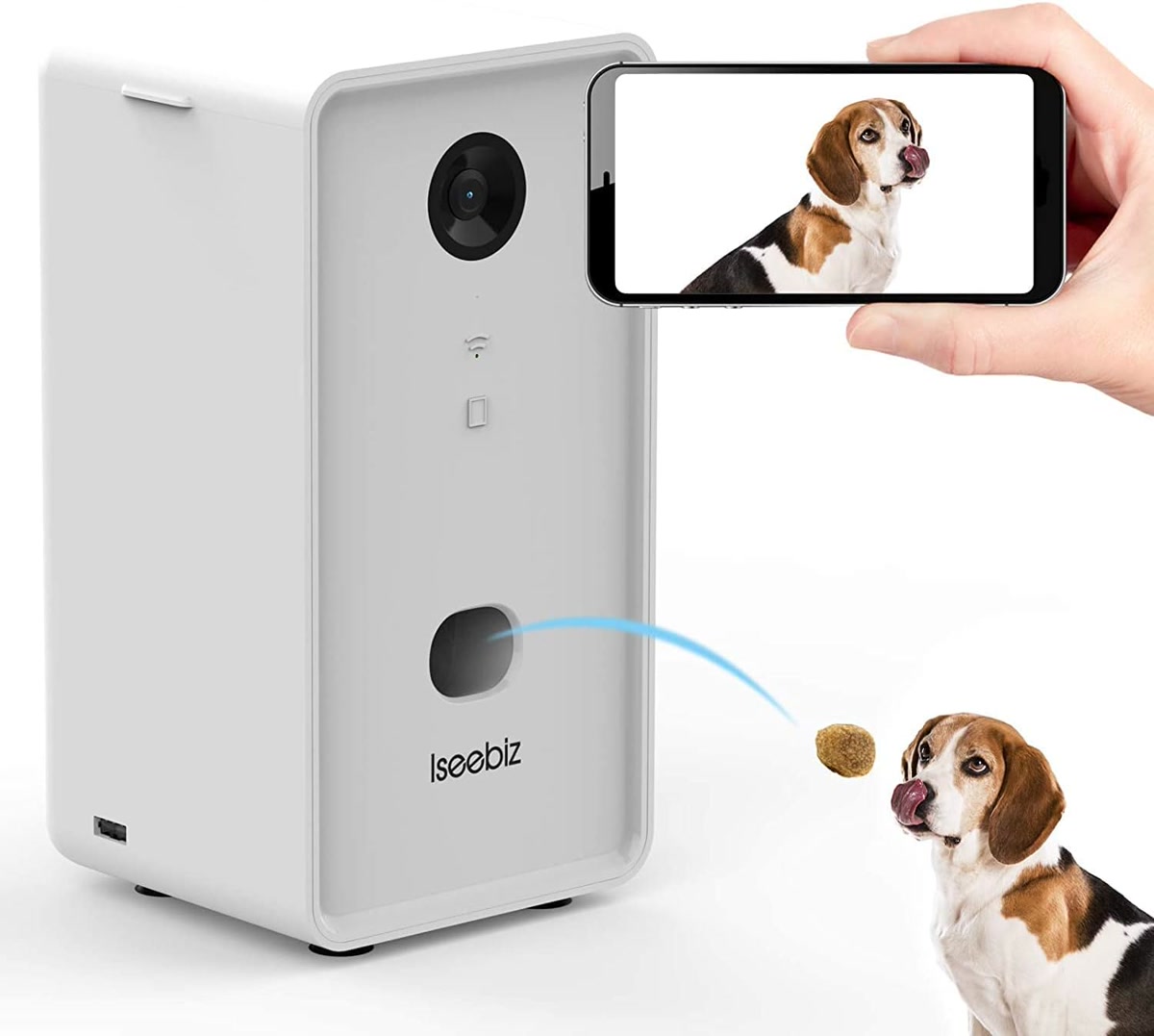
A pet camera with a treat dispenser lets you check on your dog, talk to them, and toss a treat — all from your phone while you’re at work. The category was once dominated by the $200 Furbo, but Budget alternatives now offer the same core features for half the price. If your dog has separation anxiety, gets into trouble when left alone, or you just want peace of mind during the day, a treat cam is one of the most useful pet tech purchases you can make.
This guide covers the Best Budget pet cameras with treat dispensers, what features actually matter, and which ones to skip.
What to Look for in a Budget Pet Camera
Before spending money, know which features are essential and which are marketing fluff:
Must-Have Features
- Treat tossing: The whole point. Make sure it works with standard-size treats (under 1/2 inch), not just the manufacturer’s proprietary ones.
- Two-way audio: A speaker so your dog can hear your voice. This is more for your benefit than theirs, but it helps with separation anxiety training.
- WiFi connectivity: 2.4GHz is standard. 5GHz support is a bonus but not required — most cameras work fine on 2.4GHz.
- App alerts: Push notifications when your dog is active or barking. You don’t want to stare at a live feed all day.
Nice-to-Have (But Not Essential)
- Night vision: Useful if your dog sleeps in a dark room. Most budget cameras include it.
- 360-degree rotation: Lets you pan the camera remotely. Helpful for large rooms, but a fixed camera placed correctly works just as well.
- Cloud storage: Records video clips of activity. Usually requires a monthly subscription ($3-5/month). Skip it — local storage via SD card is free.
Skip These Features
- AI bark detection: Marketed as “smart bark alerts,” but in practice it triggers on any loud noise — doorbells, TV, thunder. Not worth paying extra for.
- Dog recognition: Cameras that claim to identify your specific dog are unreliable and drain battery faster.
- Subscription-required treat tossing: Some cameras lock basic features behind a monthly fee. Avoid these — you should be able to toss treats without paying a subscription.

The Best Budget Pet Cameras with Treat Dispensers
1. SKYMEE Dog Camera Treat Dispenser (Under 80 Dollars)
The SKYMEE Dog Camera Treat Dispenser is the best budget alternative to the Furbo. It offers full HD video (1080p), two-way audio, a treat tosser that works with most standard treats, and night vision — all for under $80. The app sends push notifications when your dog is active, and you can toss treats manually or set up automatic tosses on a schedule.
The treat hopper holds about 30-40 small treats, enough for a full workday of rewards. The camera has a 110-degree wide-angle lens, which covers most rooms without needing to pan. The main drawback: the app can be finicky on initial setup, and you’ll need a stable 2.4GHz WiFi connection.
2. TKENPRO 2K Pet Camera with Treat Dispenser (Under 70 Dollars)
The TKENPRO 2K Pet Camera upgrades the resolution to 2K (1440p) for sharper video than standard 1080p cameras. It has 360-degree rotation (horizontal pan + vertical tilt), so you can follow your dog around the room remotely. The treat dispenser holds a generous amount and works with treats up to 0.4 inches.
The standout feature is the 360-degree view — most cameras in this price range are fixed or only pan horizontally. The vertical tilt means you can check if your dog is on the couch or under the table. At under $70, it’s one of the best value picks in the category.
3. Furbo Dog Camera (Under 130 Dollars)
The Furbo Dog Camera is the original treat-tossing pet cam and still the most polished option. The app is more user-friendly than budget alternatives, the treat mechanism is more reliable (fewer jams), and the design looks better in a living room. It tosses treats with satisfying accuracy and has a clickable sound that trains your dog to come running when they hear it.
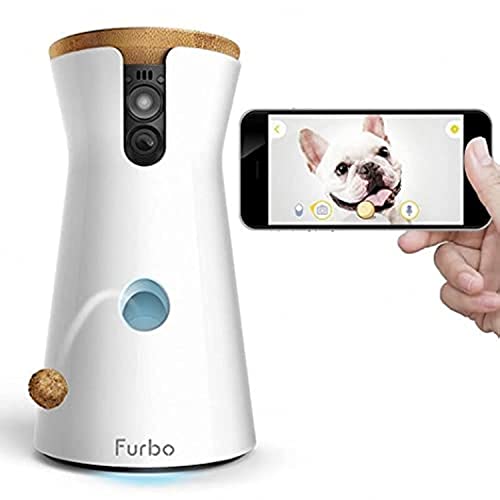
At $130, it’s not cheap compared to the budget options. But if you value app reliability and don’t want to troubleshoot connection issues, the Furbo is worth the premium. The basic features (live video, treat tossing, two-way audio, barking alerts) are free without a subscription.
If you want the 360-degree version, the Furbo 360 Dog Camera adds full rotation and improved night vision for about $170. It’s a splurge, but the 360 view eliminates blind spots entirely.
4. PETCPU Pet Camera Treat Dispenser (Under 60 Dollars)
The PETCPU Pet Camera Treat Dispenser is the cheapest option that still delivers the core experience. It has 2K video, 360-degree viewing, two-way audio, and a treat dispenser. The Build quality isn’t as premium as the Furbo, and the app is basic, but it does the job for under $60.
This is the best pick if you’re on a strict budget and just want to check on your dog during the workday. It’s not the most polished, but the core features — video, audio, treat tossing — all work reliably.
How to Use a Treat Camera for Training
A treat camera isn’t just for watching your dog — it’s a training tool. Here’s how to get the most out of it:
Step 1: Train the Treat Sound
Before leaving your dog alone, spend a few days at home with the camera. Toss a treat and immediately say “yes!” or click your clicker. Your dog will learn that the camera’s sound means a treat is coming, and they’ll run to the camera when they hear it.
Step 2: Practice Short Departures
Leave for 5 minutes. Watch the feed. If your dog is calm, toss a treat. If they’re whining or pacing, wait until they settle, then toss. This teaches your dog that calm behavior earns rewards, even when you’re not physically present.
Step 3: Gradually Increase Duration
Work up to 30 minutes, then an hour, then a full workday. Toss treats intermittently — not every 5 minutes, but at random intervals. Random rewards are more reinforcing than predictable ones.
Step 4: Use Two-Way Audio Sparingly
Hearing your voice can comfort an anxious dog, but it can also make them more upset if they hear you but can’t find you. Use audio for brief, calm reassurance, not constant chatter. If your dog gets more anxious when you talk, stop — the treat tossing alone may be enough.
Treat Camera Setup Tips- Placement matters: Put the camera at your dog’s eye level, not above. Looking down at your dog gives a surveillance feel; eye level makes it easier to see their face and body language.
- Use the right treats: Small, round treats work best — they don’t jam the dispenser. Cut larger treats in half. Avoid sticky treats like cheese or jerky; they’ll clog the mechanism.
- Test your WiFi range: Place the camera within 15 feet of your router. If the signal drops, treats won’t toss and video will lag. A $20 WiFi extender can fix dead zones.
- Clean the hopper monthly: Treat crumbs accumulate in the dispenser mechanism. Wipe it out with a dry cloth once a month to prevent jams.
What to Skip
Cameras Without Treat Tossing
A $30 indoor security camera (like a Wyze Cam or Ring Indoor Cam) lets you watch your dog, but it can’t toss treats. If your dog has separation anxiety, watching them struggle without being able to reward calm behavior is worse than not watching at all. Spend the extra $30-40 for a treat-tossing model.
Expensive Subscription Plans
Some cameras push cloud storage subscriptions ($3-5/month) for video history. Skip this unless you specifically need recorded clips. Live viewing and treat tossing should always be free — if they’re not, return the camera.
Multiple Cameras for One Dog
One well-placed camera covers a typical living room or kitchen. Unless your dog has free roam of a large house, one camera is enough. Save the money you’d spend on a second camera on treats instead.
Cost Comparison: Budget vs Premium
Here’s how the options stack up:
- PETCPU (budget): ~$60 — 2K video, 360 view, treat toss, two-way audio
- TKENPRO (mid-range): ~$70 — 2K video, 360 rotation, treat toss, two-way audio
- SKYMEE (mid-range): ~$80 — 1080p video, 110-degree view, treat toss, two-way audio, night vision
- Furbo (premium): ~$130 — 1080p video, 110-degree view, best app experience, reliable treat mechanism
- Furbo 360 (premium): ~$170 — 1080p video, 360 rotation, best app, premium design
The budget options (PETCPU, TKENPRO, SKYMEE) deliver 80% of the Furbo’s functionality at 40-60% of the price. If you’re on a budget, start with the TKENPRO at $70 — the 2K resolution and 360 rotation make it the best value pick. If app reliability is important to you, spend the extra $60 for the Furbo.

The Bottom Line
A pet camera with treat dispensing is one of the most useful pet tech purchases for working dog owners. For $60-80, you can check on your dog, talk to them, and reward calm behavior throughout the day. The budget options have closed the gap with premium brands — you no longer need to spend $170 to get a reliable treat cam.
Start with the TKENPRO 2K at under $70. It has the best feature-to-price ratio in the category. If the app frustrates you, upgrade to the Furbo. Either way, your dog gets more engagement during the day, and you get peace of mind at work — a win for both of you.
ThriftyPaw is reader-supported. As an Amazon Associate, we earn from qualifying purchases. This means we may earn a small commission when you buy through links on this site at no additional cost to you. We only recommend products we genuinely believe in. Thank you for supporting ThriftyPaw.
My take: The category’s price collapse is real — the SKYMEE at under $80 does the $200 Furbo’s job. Buy the core features and skip the subscription traps; if your only need is checking in and tossing treats, the $60 PETCPU covers it.
Related guides
- Best Budget Dog Car Ramps and Steps Under 40 Dollars (2026)
- Best Budget Dog Jackets and Cold Weather Gear (Under 30 Dollars — 2026)
- The 40 Dollar Camera That Caught My Dog Red-Pawed on the Couch
- Best Dog Toys Under $10 That Actually Last (2026)
- Best Budget Dog GPS Trackers Under 50 Dollars (2026)
🐾 Get Your Free Big Dog First Aid Kit Checklist
Join our newsletter and get this free printable plus weekly tips.
Frequently Asked Questions
What's the best budget pet camera with a treat dispenser?
The SKYMEE at under $80 — full HD, two-way audio, a treat tosser that handles standard treats, and night vision, which is the feature list the $200 Furbo built the category on. The TKENPRO 2K at under $70 is the resolution upgrade if video sharpness matters to you.
Why not just buy the Furbo?
At $130 ($170 for the 360 version) it's the most polished option, but the budget alternatives deliver the same core experience for half the price — and the Furbo's best features often sit behind the monthly subscription anyway. The PETCPU at under $60 proves the floor: basic app, same job.
What features should I skip on a pet camera?
Skip the subscription-gated extras (cloud video history beyond free tiers) and the gimmick add-ons. What actually matters: reliable two-way audio, a treat tosser compatible with your treats, night vision, and your WiFi reaching the camera's spot — a $20 extender fixes the dead-zone case.
Liked this guide? Get the next one in your inbox — the pet budget checklist is free too.
✓ You're in — check your inbox.
No spam. Unsubscribe anytime. We never share your email.